How to fix EADDRINUSE on port 3000 on Mac and Windows
Find the process listening on port 3000, check which project owns it, and get your dev server running again on macOS or Windows.
You run your dev server and get listen EADDRINUSE: address already in use :::3000. Another listener already has a socket your new server wants. It may be yesterday’s dev server, a different checkout, or a published Docker port. Start by finding the listener.
 Play GIFHide GIF
Find the listener on macOS
Run this in Terminal. The LISTEN filter keeps outgoing connections out of the result. Read the COMMAND and PID columns. If you see node, check the terminal running that project or match the PID in Activity Monitor before proceeding.
lsof -nP -iTCP:3000 -sTCP:LISTENFind the listener on Windows
In PowerShell, list listeners on port 3000 and resolve each unique owning process ID. Inspect the process name before closing anything. PowerShell may show several sockets for the same process if it listens on multiple addresses.
Get-NetTCPConnection -LocalPort 3000 -State Listen |
  Select-Object -ExpandProperty OwningProcess -Unique |
  ForEach-Object { Get-Process -Id $_ }
Free the port and confirm what changed
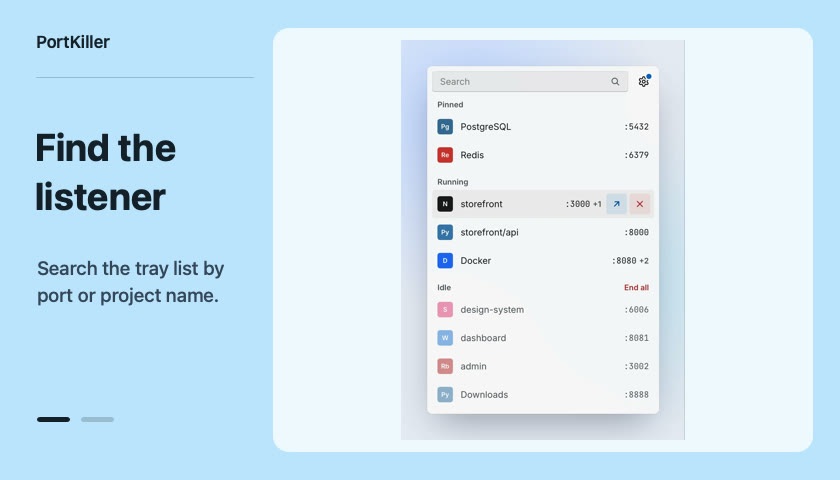
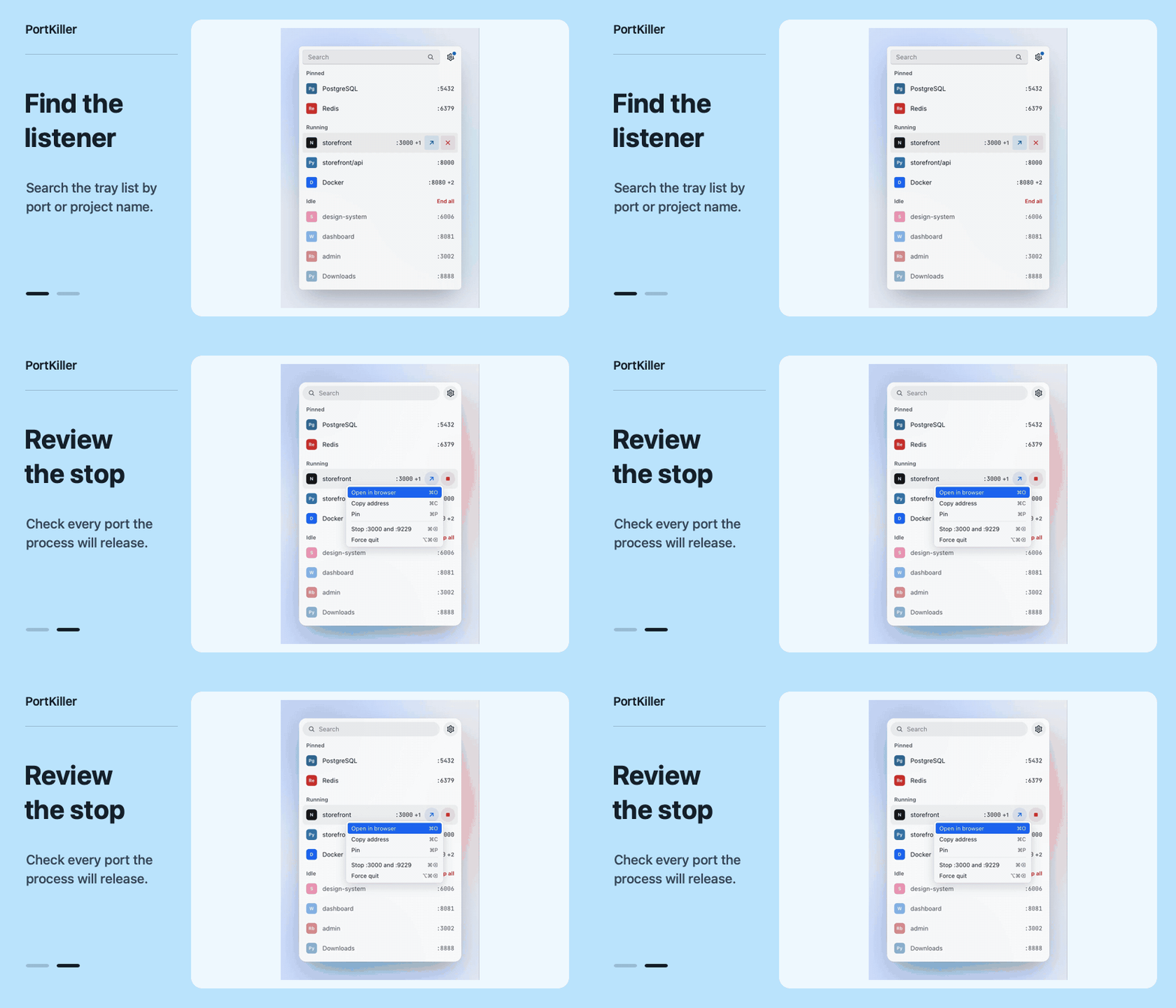
For a dev server you recognize, press Ctrl+C in the original terminal. In PortKiller, search for 3000, open the matching row, and review the project and every port the stop would affect. If you need the running process, configure the new server to use an available port such as 3001 and update any test or callback URL that points at it.
Run the listener check again before restarting your dev server. If the same process comes back with a new PID, look for the watcher or container that relaunched it. If the owner looks like Docker, use the container guide below to trace the port to its service.
Why does the error show :::3000?
The colons usually mean the server tried to bind to the IPv6 wildcard address. Check the actual listeners on port 3000, including both address families.