Find which Docker container is using a port
Trace a busy localhost port to a specific Docker container or Compose service, check its host mapping, and free the port safely.
Compose refuses to start because port 3000 is already allocated. Your system might show a Docker proxy as the listener, even though the decision you need to make is about one service. Docker’s published-port list connects the two.
 Play GIFHide GIF
Read the published host port
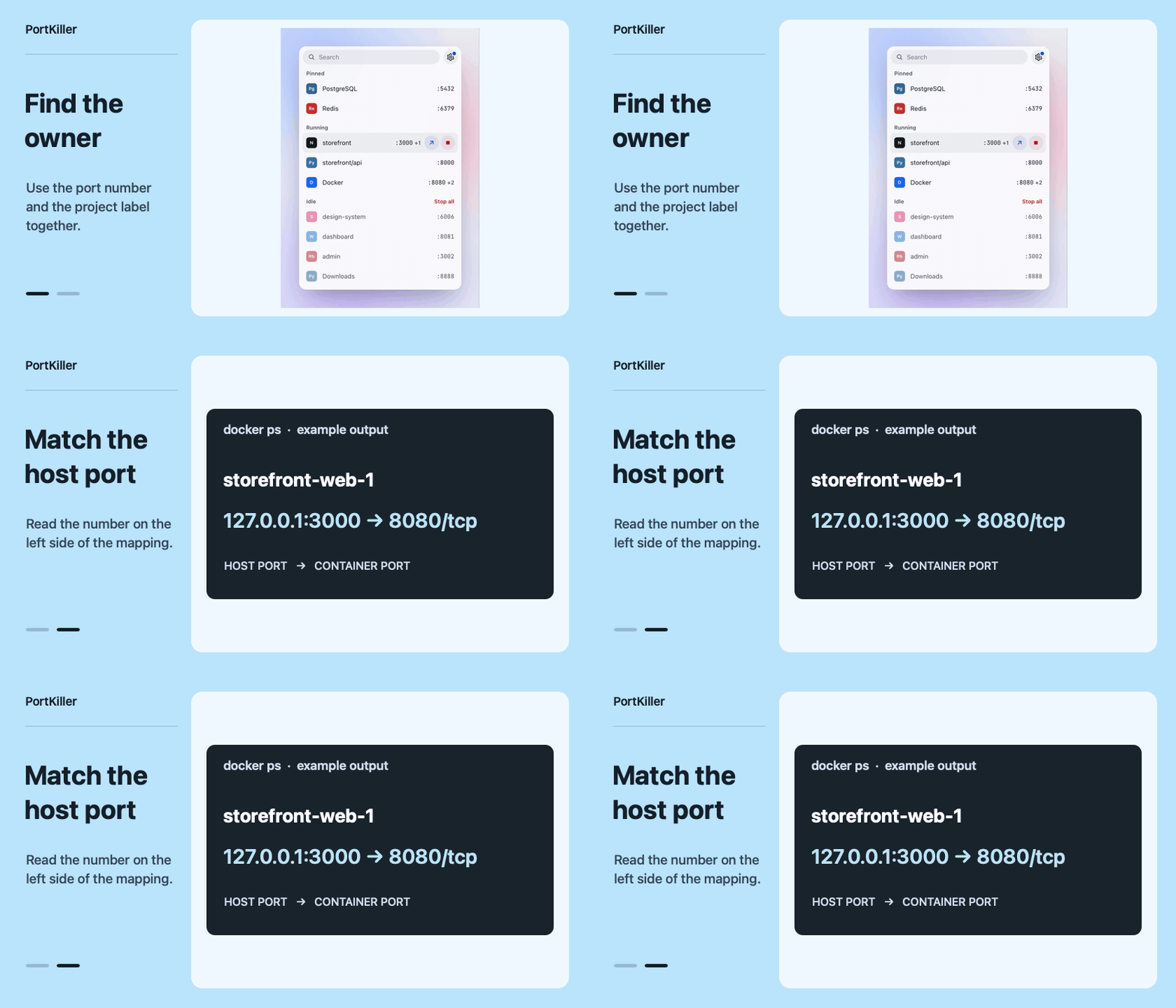
List running containers and read the Ports column. A mapping such as 127.0.0.1:3000->8080/tcp means the host listens on 3000 and forwards to 8080 inside the container. A bare 8080/tcp entry does not show a published host port. Read the left side of the arrow when diagnosing a localhost conflict.
docker ps --format 'table {{.Names}}\t{{.Ports}}'Confirm the container before changing anything
Use docker port to check a specific container. Substitute the exact name from the first command. If the list is empty, check that docker context show points to the engine you expect and look for a native process listening on that port.
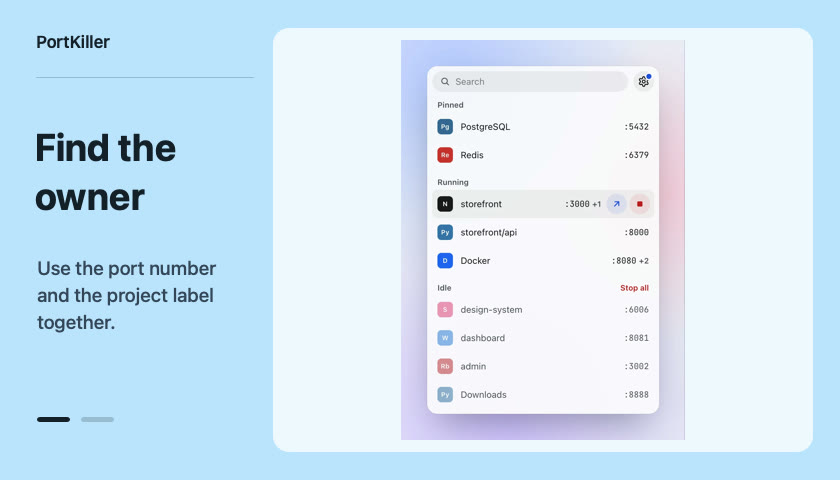
On a supported local Docker setup, PortKiller can show containers that publish ports in separate rows. Select the row with the matching port and check its container or Compose service name. This matters when several services share similar names, such as storefront/web and storefront/db.
docker port storefront-web-1Choose which service should own the port
Stop the specific container if it is yours and safe to interrupt, then rerun docker ps and check the host mapping. If both services need to stay up, change the new service’s published host port. For example, 127.0.0.1:3001:8080 leaves the app listening on 8080 inside the container and makes it reachable at localhost:3001.
Update callers that used the old address, then open the new URL or run your usual health check. If a container reclaims the port, inspect the Compose project or restart policy that brought it back.
Will stopping one container stop the rest of the project?
A stop action on a single container targets that container. Other services may still depend on it, so check the project dependencies before stopping a database or shared service.